“I was stuck comparing six different office printers across tabs. Filtering by Office Inkjets and using the side-by-side Compare view on ProPrintDesk made it obvious which all-in-one actually fit our weekly contract stack.”
For everyday documents
For your working day
Print, scan & copy
Bring paper into your files
Unique
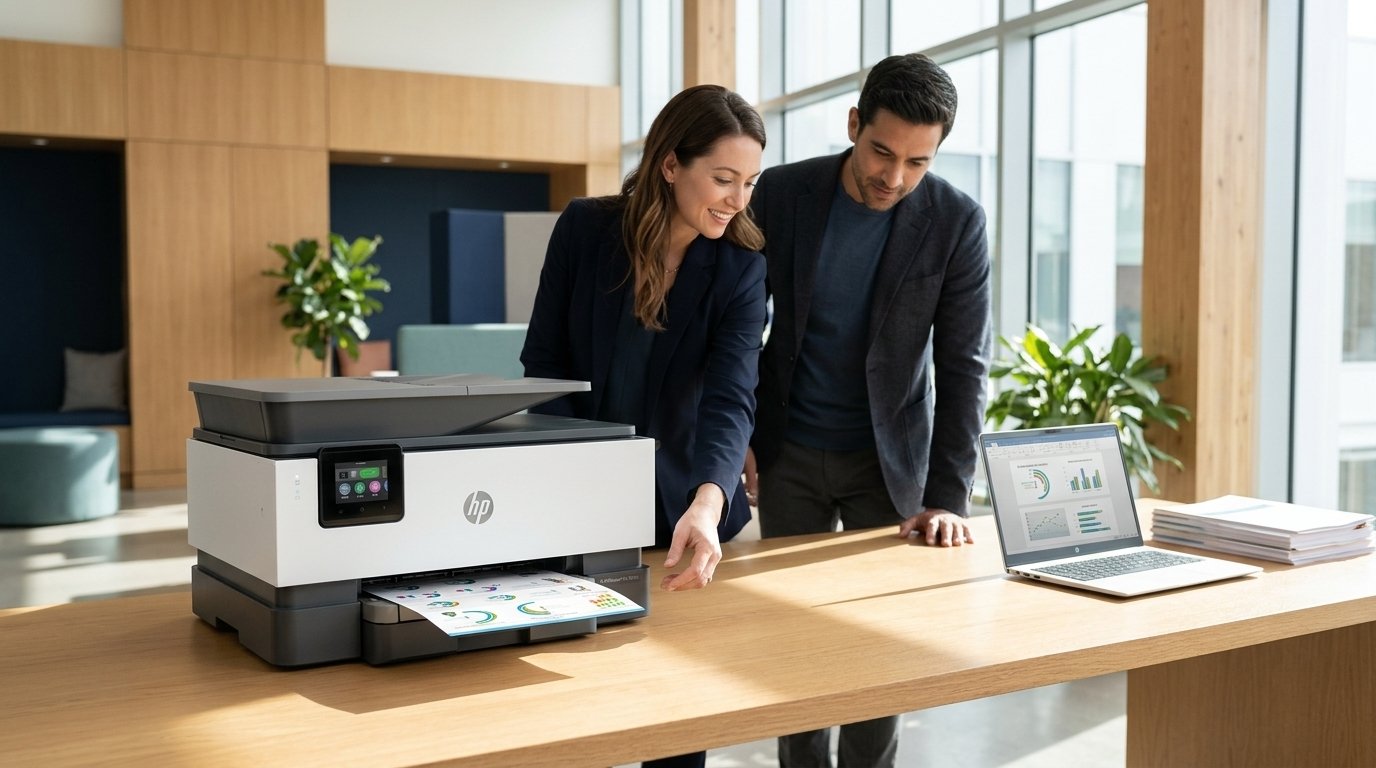
Print from laptops and mobile devices across your home or office without extra cables.
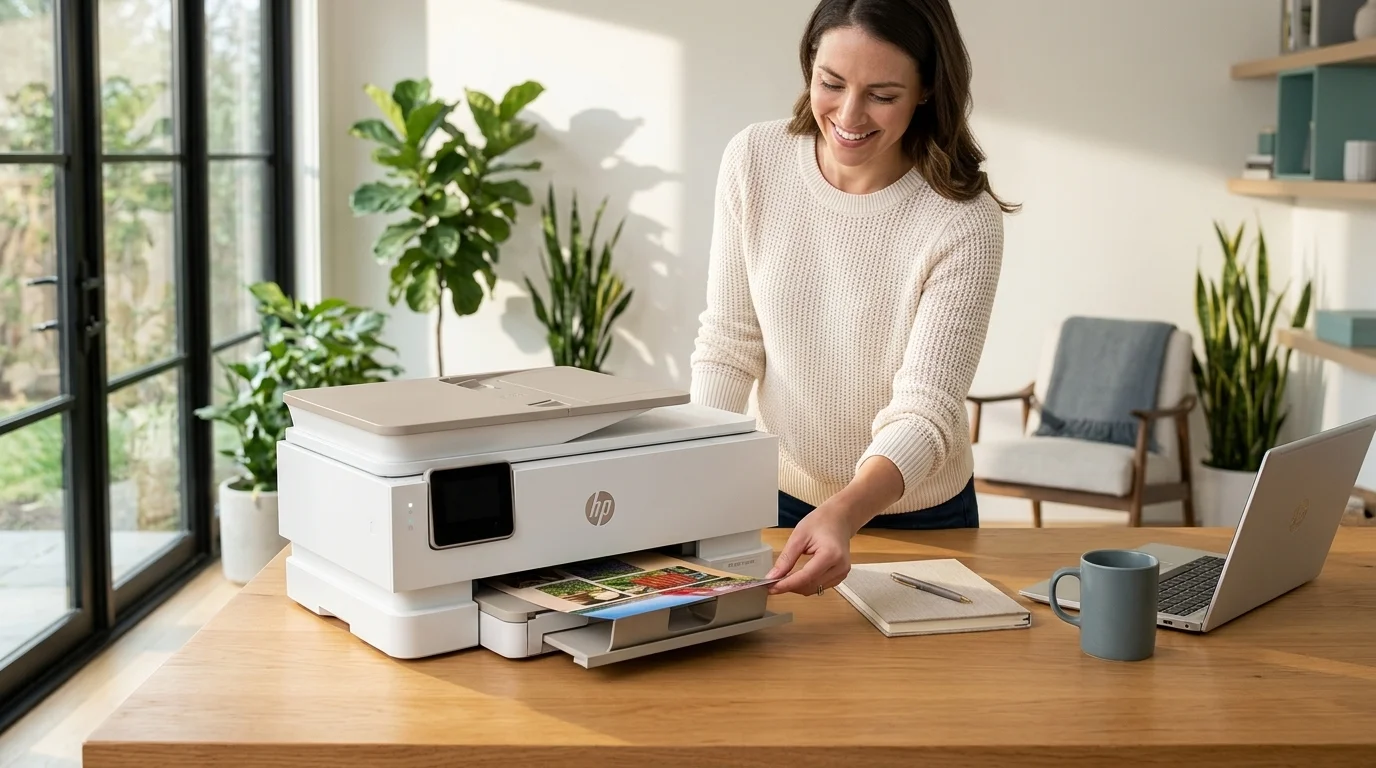
Print, scan and copy everyday documents and colour pages from one compact desk device.
Compare home inkjets, office printers, ink tanks, lasers and scanners side by side.
From occasional school forms to daily paperwork, match the device and supplies to your workload.
How To
Place your HP printer or scanner on a level desk with tray clearance, connect power, and load paper along with starter ink, bottles, or toner.
Connect over Wi-Fi, Ethernet, or USB, install the official HP drivers for your operating system, and set your preferred paper size and duplex options.
Print a single alignment test page to confirm sharp text and colour output, then print or scan effortlessly from laptops and mobile devices.
Smart reading before you shortlist
Match your hardware to your real weekly print mix instead of chasing spec sheets you will never use.
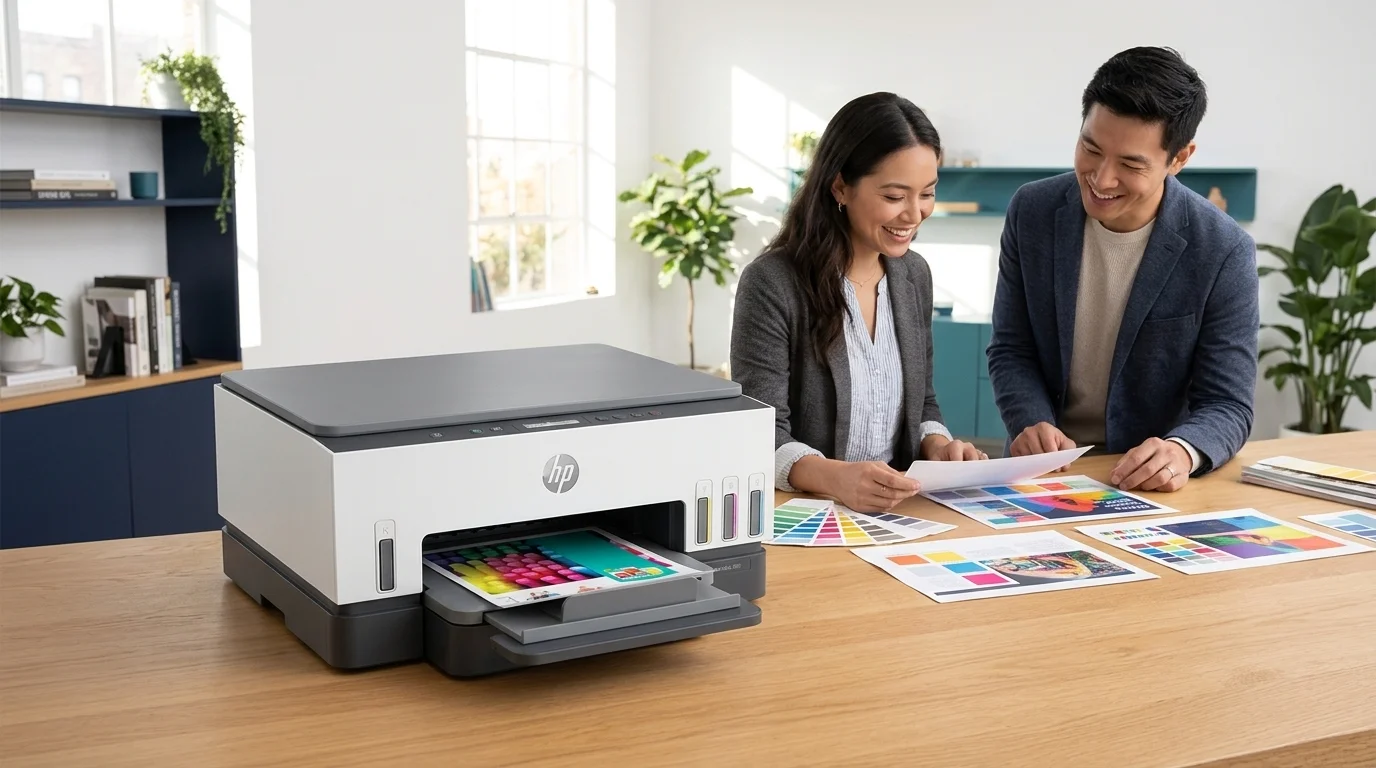
A plain-English breakdown of how each print engine handles colour graphics, crisp text, and refill frequency.
Hardware is only day one. Check replacement cartridges, ink bottles, and toner codes before you commit.
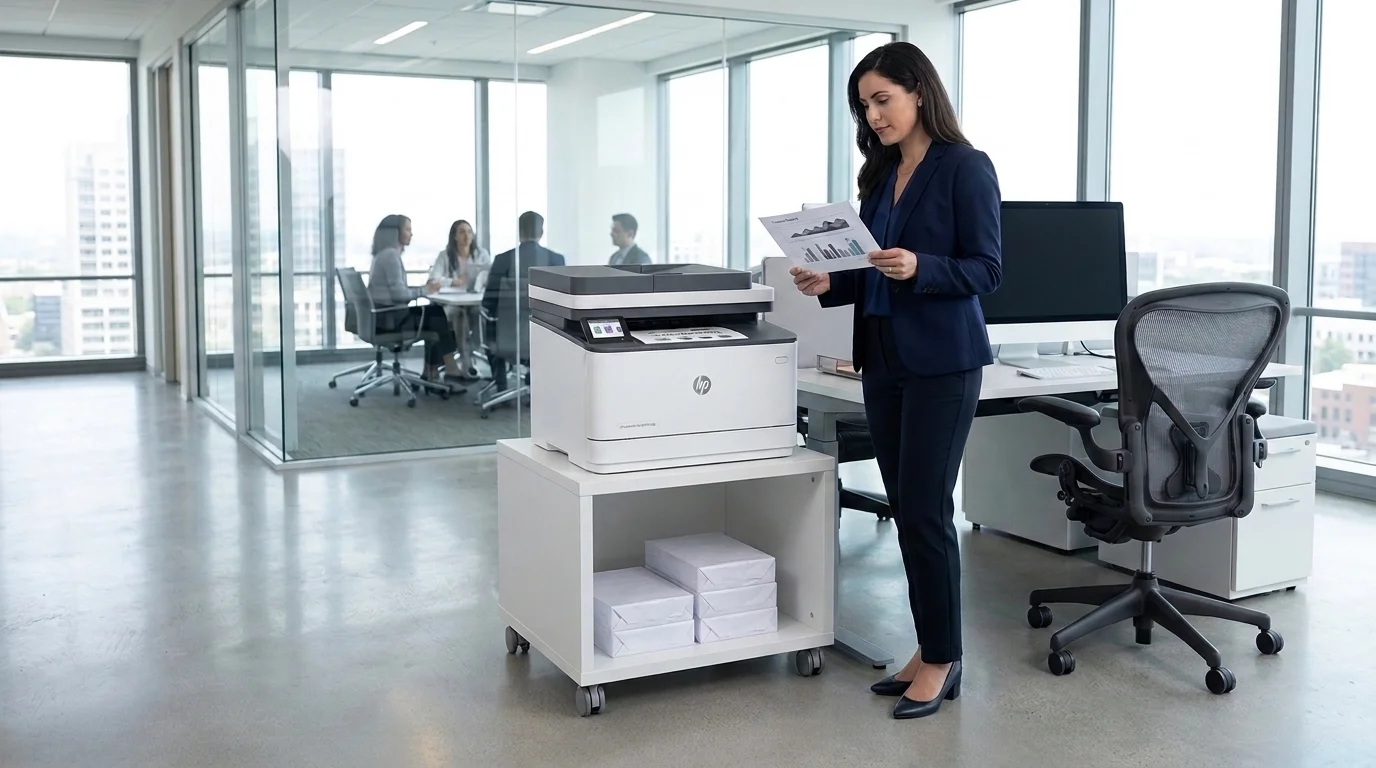
Balance automatic two-sided printing, document feeders, and stable Wi-Fi across multiple desks.
Simple checks for paper finishes, borderless sizing, and single test prints so favourite shots look sharp.
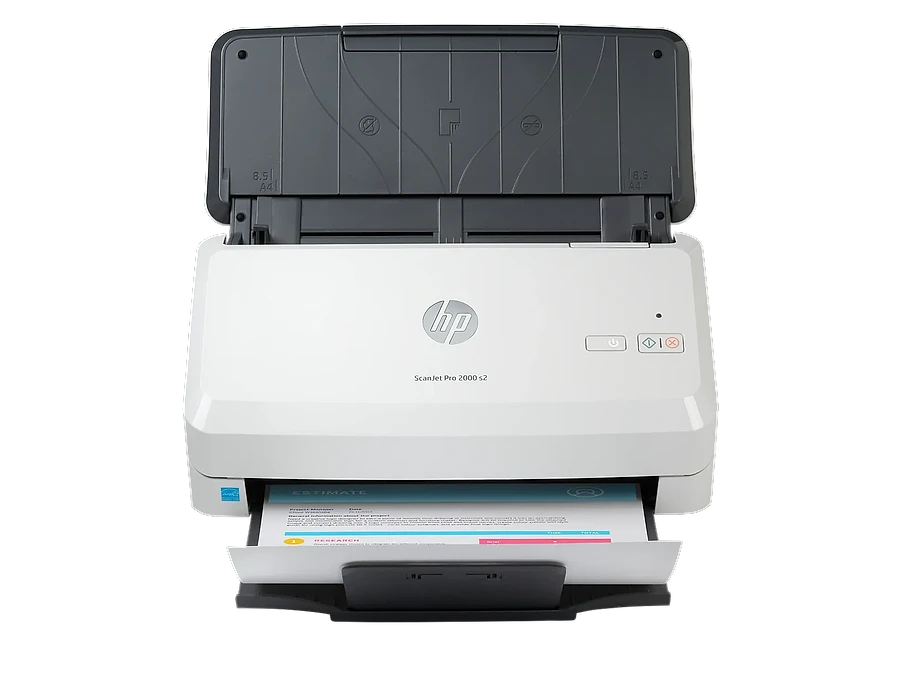
Decide when an all-in-one scanner is enough and when a dedicated ScanJet earns its spot on your desk.
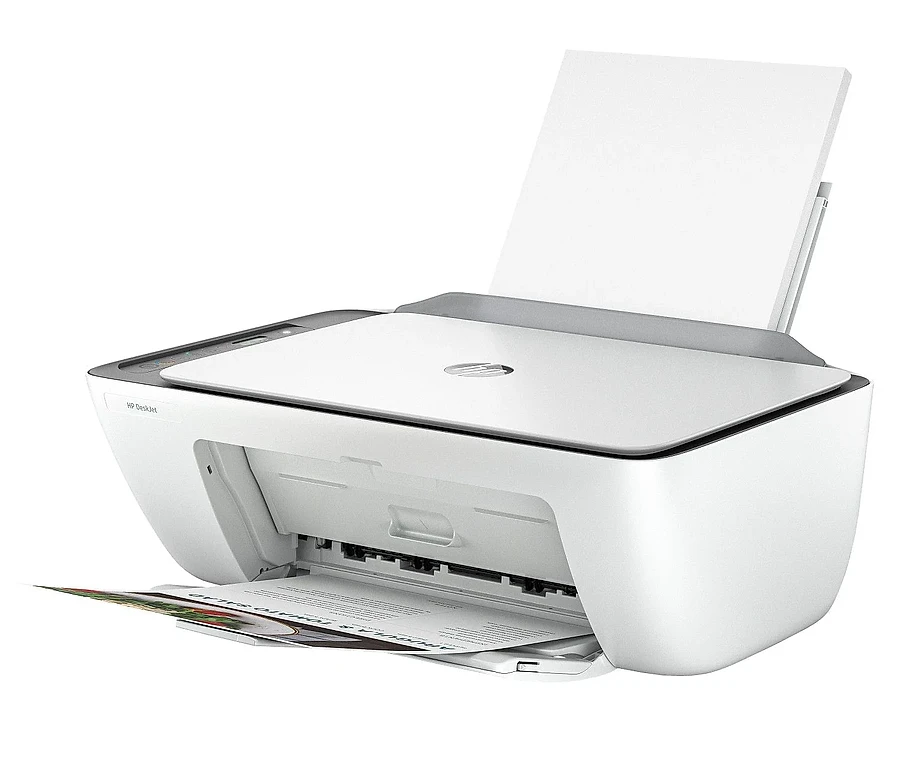
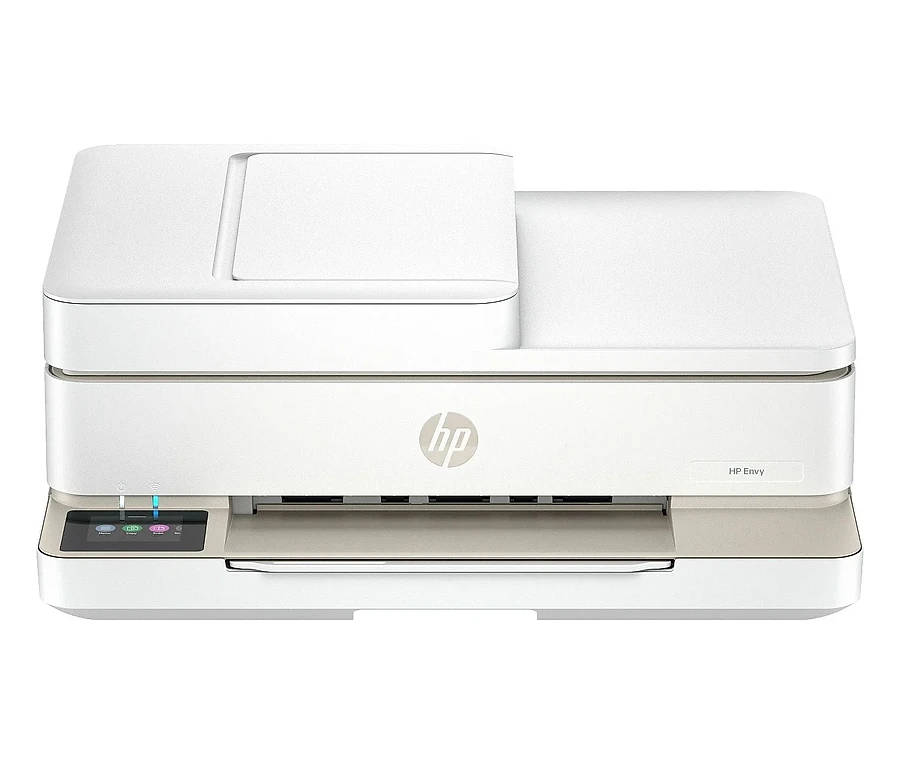
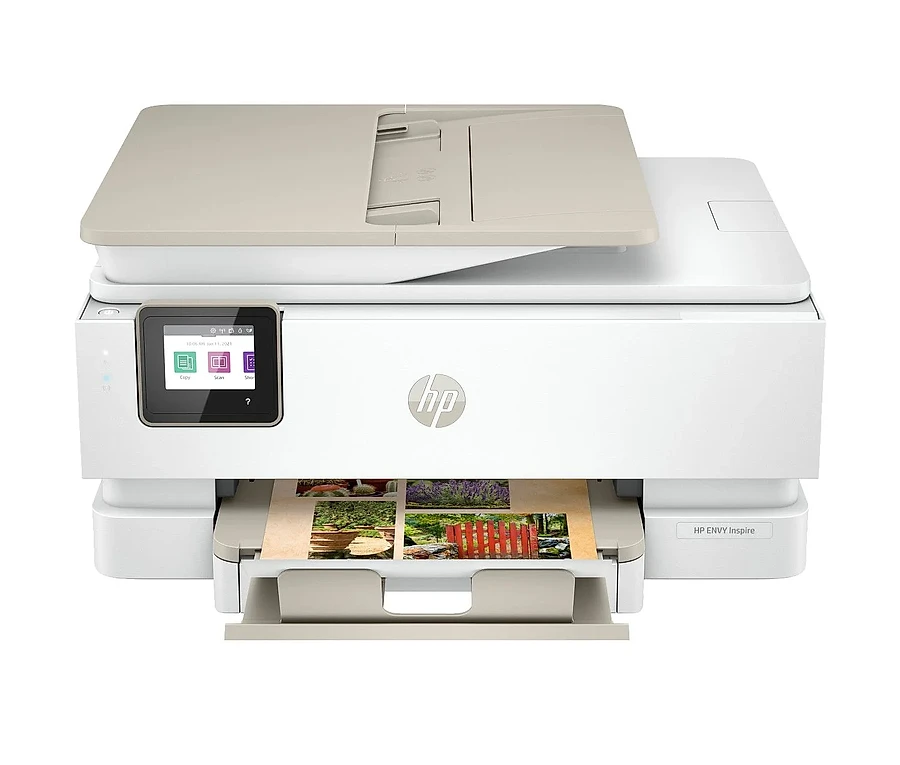
Home printers · All-in-One
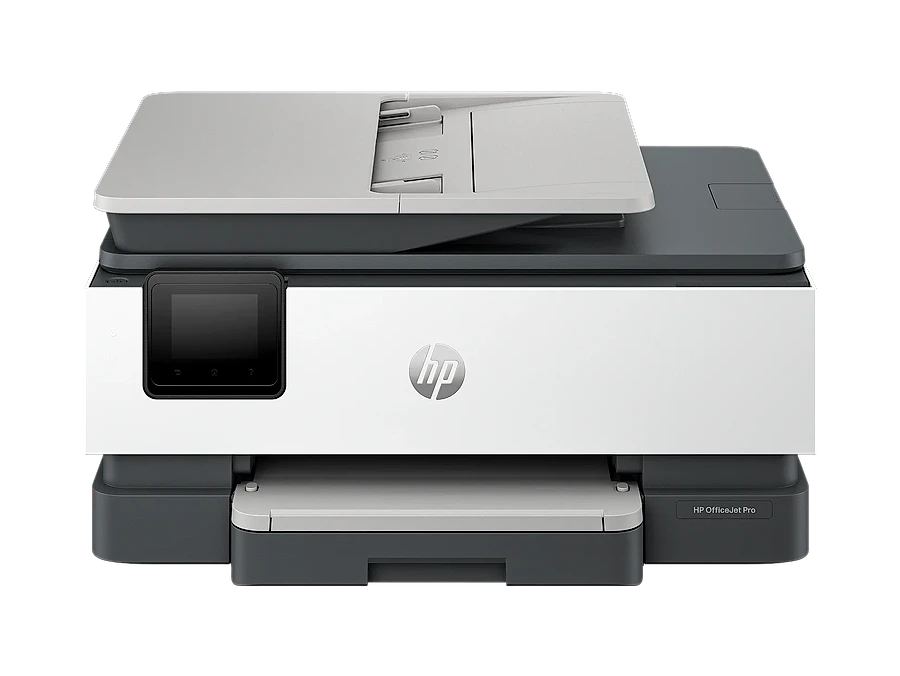
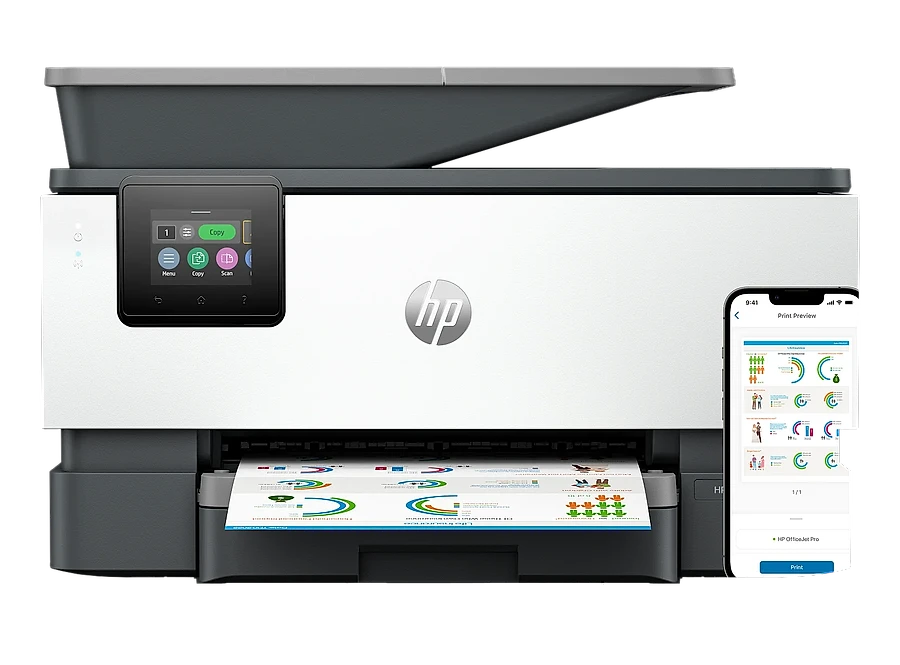
Office inkjets · All-in-One
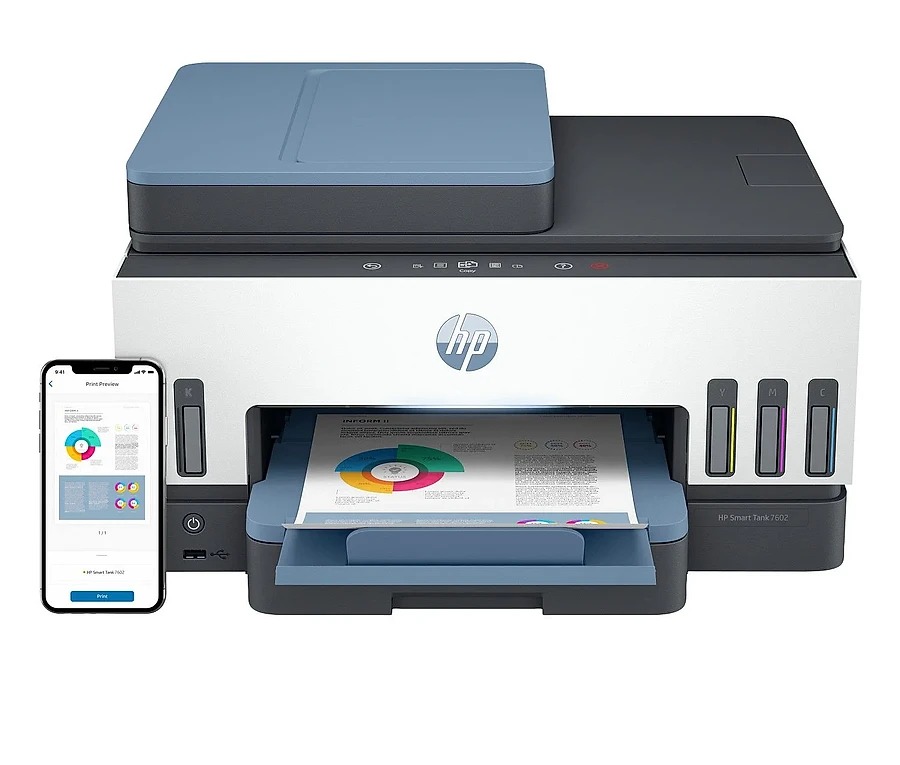
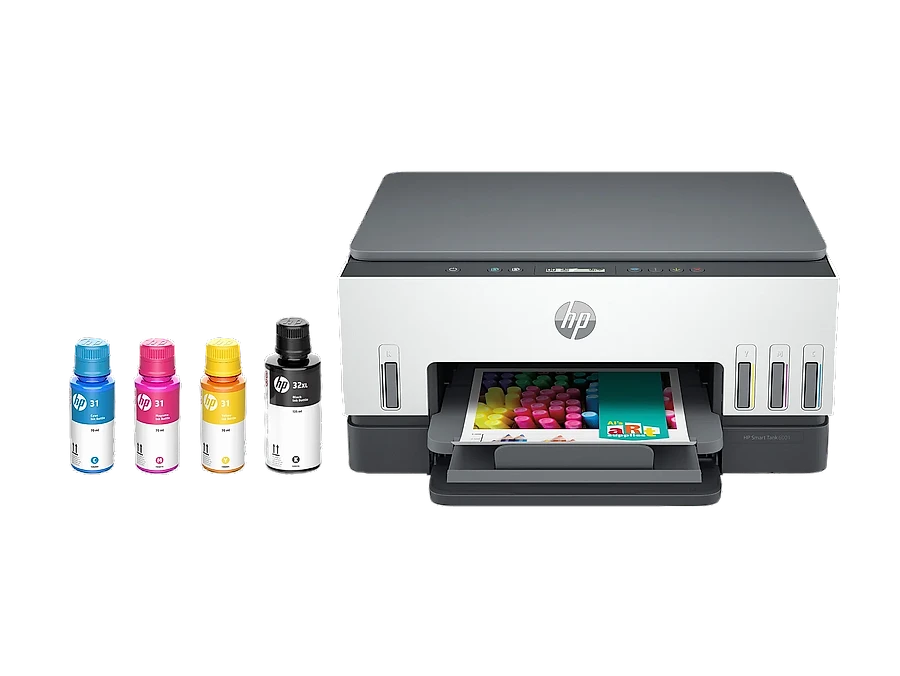
Ink tanks · All-in-One
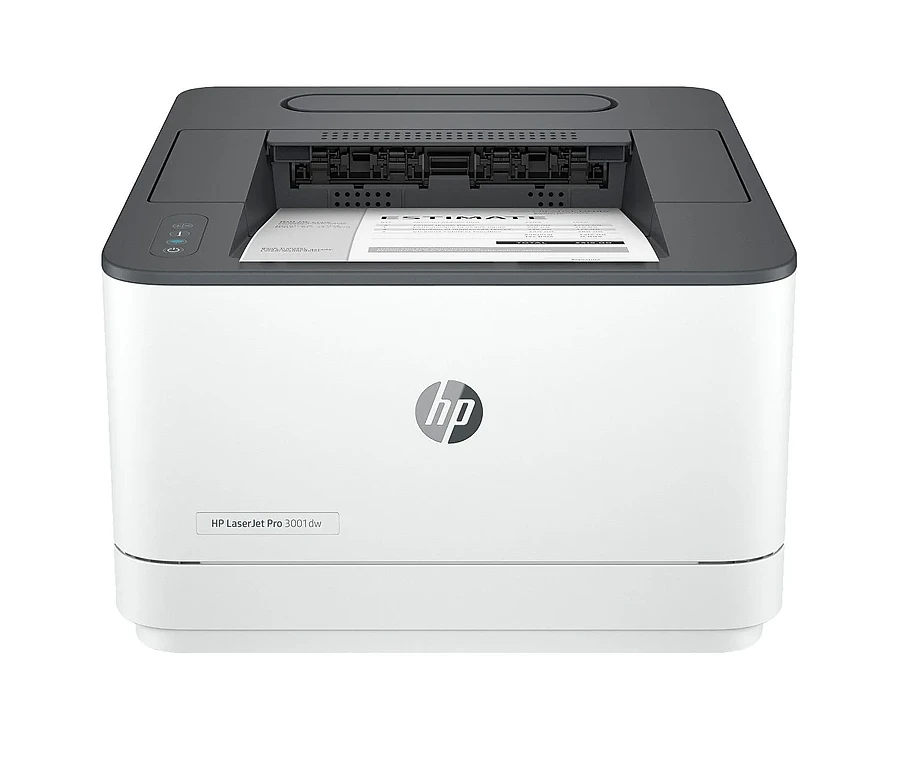
Laser printers · Wireless
Reader
How home users, remote workers, and small offices use ProPrintDesk buying guides and side-by-side model filters to choose the right printer or scanner.
Comments highlight individual catalogue and guide experiences. Always verify model specs and seller terms before purchasing.
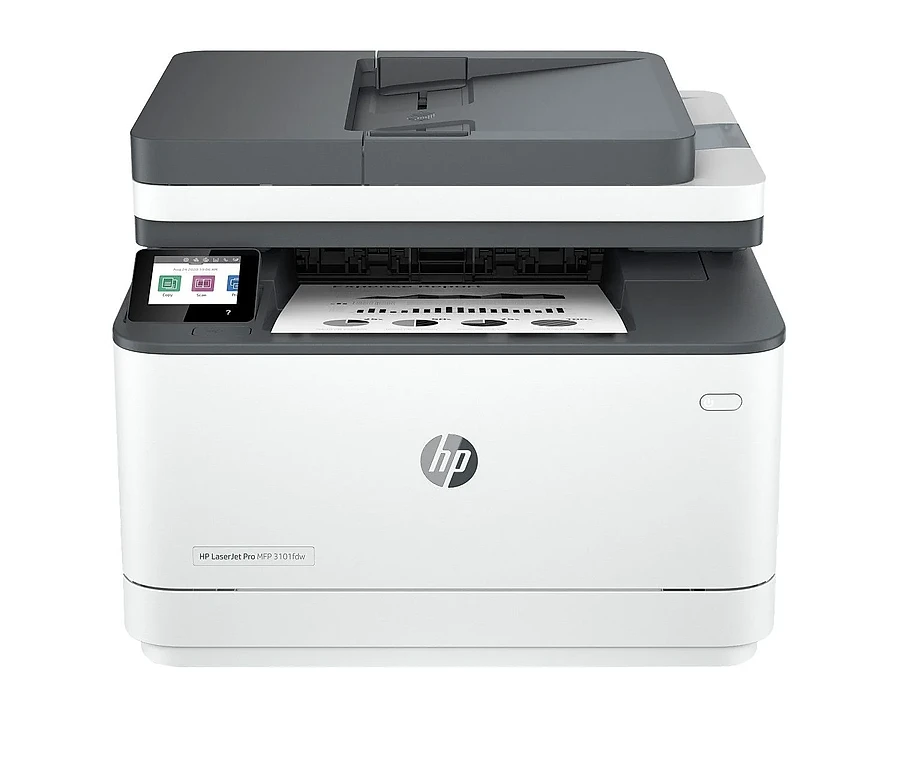
Six widely shortlisted HP printers and scanners from the ProPrintDesk catalogue. Click any model to inspect its full gallery, catalogue price, and buying checklist.
Quick
Choosing between home inkjets, office printers, refillable Smart Tank models, LaserJets, and dedicated ScanJet scanners brings up practical questions before you narrow your shortlist.
Here are straightforward answers on comparing models in the ProPrintDesk catalogue and what to confirm before buying. Have a question about a specific printer? Send us a note.
Comparing home inkjets, office printers, ink tanks, lasers or scanners? Send ProPrintDesk a note with the models you are considering.